
Dayu Ultrasonic Level Meter Data Transmission Fault Analysis: Complete Troubleshooting Guide
Some customers installed ultrasonic level meters in wastewater treatment plants but encountered issues where data could not be transmitted to the central control interface. What are the reasons?
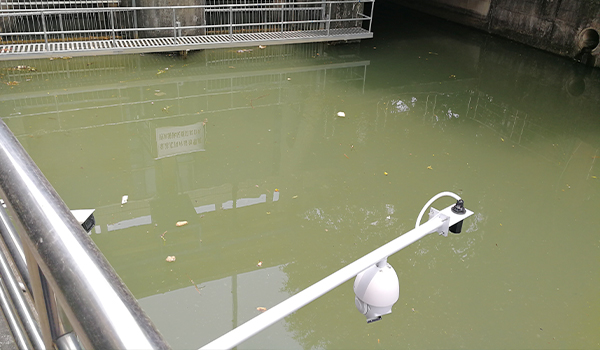
1. First, the zero point may have been set incorrectly. The instrument's 4~20 mA settings were misconfigured, with 4 mA incorrectly mapped to 10 m and 20 mA incorrectly mapped to 0 m. Due to this erroneous operation, the water level was mistakenly displayed as "0"!
2. Second, the wiring may be too long. Current can attenuate during transmission. For example, the field output current might be 4.2 mA, but by the time it reaches the central control room, it could drop to 4.0 mA. As a result, the water level on the central control interface would display as "0".
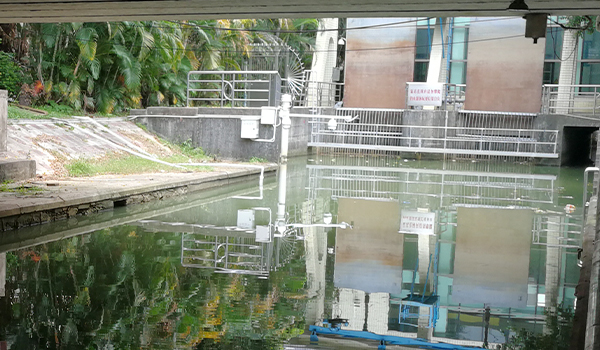
3. Third, the corresponding values may be wired incorrectly. The values corresponding to 4 mA and 20 mA on the field instrument may not match those on the central control instrument. Fortunately, this issue is relatively simple to resolve—just rewire the connections correctly!
4. Finally, electromagnetic interference may also be a factor. If the signal wires are routed in the same cable tray as 380V power lines, when pumps, transformers, or other equipment start up, they can cause strong interference to the 4~20 mA signal. In such cases, the best solution is to run low-voltage signal cables and high-voltage power cables separately.
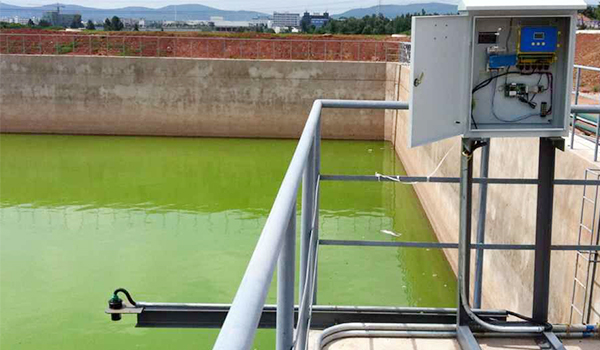
When using ultrasonic level meters, it is important to configure settings carefully, keep cable lengths appropriate, ensure value mappings are correct, and avoid electromagnetic interference. Once these techniques are mastered, successfully transmitting level data to the central control interface will no longer be a problem.