
Dayu Electronics: Explanation of Default Pulse Mode and Continuous Operation Adjustment for Transducer Development Boards
Many users of Dayu Electronics' ultrasonic transducer development board often wonder during debugging: can the onboard program keep the transducer in continuous transmission?
In fact, the transducer can operate in either continuous transmission or pulse transmission mode. Dayu Electronics' development board defaults to an 8-pulse transmission mode, which is a universal configuration balancing signal stability and device lifespan, suitable for most conventional distance and speed measurement scenarios.
If you prefer the transducer to work in continuous transmission mode, the development board hardware fully supports it, but you will need to compile the program yourself for adaptation.
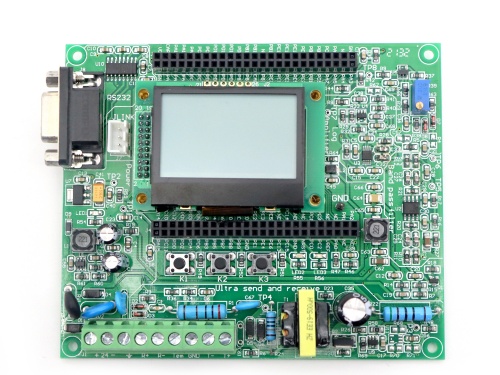
So, can the transducer be kept continuously working?
Of course! But you will need to make slight adjustments to the program according to your specific application scenario. Because continuous transmission (continuous wave mode) has different requirements for hardware heat dissipation, power supply stability, and signal processing logic, we did not set it as the default option. Instead, we leave the choice to the user—since applications can vary widely, some require intermittent sampling, while others need continuous monitoring.
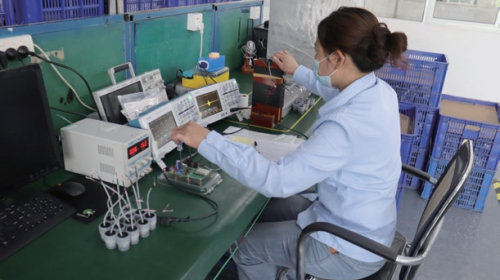
If you do need the "continuous operation" mode, it is absolutely fine. Simply modify the transmission timing control section in the provided source code, remove the pulse count limit, and change it to a continuous loop output. Our development kit includes detailed register descriptions and example comments, and our R&D colleagues have left clear modification guidelines for quick reference.
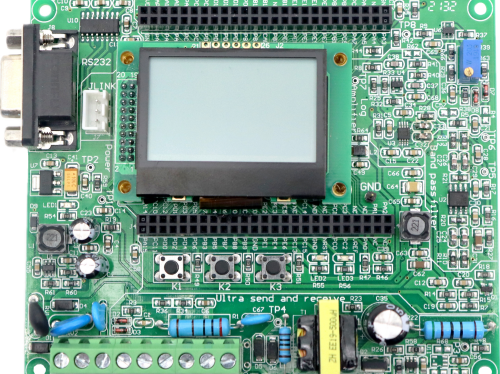
Dayu Electronics always adheres to the "user-friendly" service philosophy, providing both out-of-the-box standard solutions and personalized customization support. Whether you choose the default pulse mode or adapt it for continuous transmission, we are here to provide reliable technical support.